AI Audio Separation
Separate vocals, drums, guitar, bass, and other instruments from any song. Now featuring Lead & Rhythm and Acoustic & Electric Guitar separation models!
Introducing Moises Studio: The simplest way to make music togetherIntroducing Moises Studio: The simplest way to make music together
MADE FOR GUITARISTS
Separate Lead from Rhythm Guitar, as well as Acoustic from Electric Guitar. Play and practice with your favorite artists, and create your own arrangements from any song!

The Musician's App
Take over the guitars and jam with the artists you love. Remix instruments and vocals, change the song’s key, and learn chords by playing at your pace.
Detect the song key and transpose chords in one click. Change the song’s BPM and practice at your pace. Mute the original guitars, or isolate their tracks to learn new guitar riffs and solos in greater detail.


Popular online guitar teacher known for his easy, step-by-step YouTube lessons, with over 4.5 million subscribers and 1 billion views on his “Marty Music” channel


Guitarist, educator, and content creator with over 80 million views on YouTube

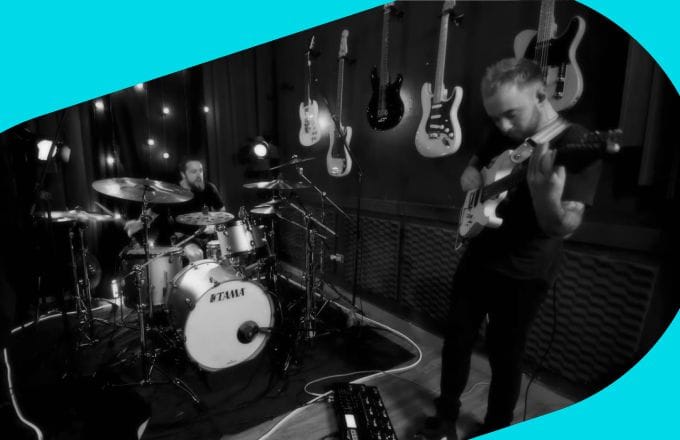
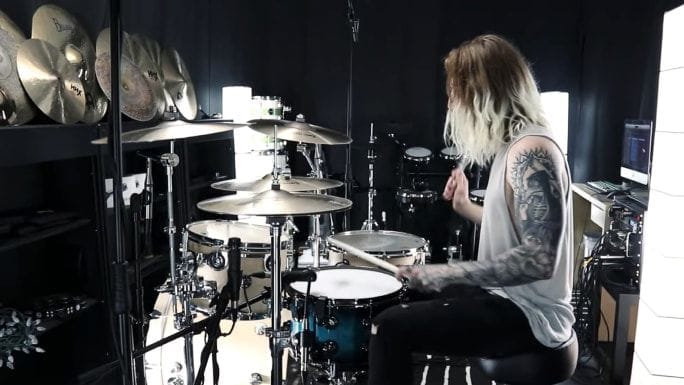
Eloy Casagrande — Slipknot drummer. Voted Best Metal Drummer of 2024 by Modern Drummer magazine and Drumeo website as the Best Metal Drummer of 2022—and young, inventive guitarist João Flávio Hanysz
Store your tracks securely in the cloud and play them on either mobile or desktop.
Wondering how YouTubers and TikTokers create videos with realistic guitar backing tracks? They use the Moises App—and you can, too. Mute original guitar tracks and make any song your own.
Lead guitar players can listen to the isolated track for a focused study or mute it to become the star guitarist of the song. Conversely, isolating the rhythm guitar allows rhythm guitarists to concentrate on chords and harmonic structure, while muting it lets them play along with the original band—minus one guitarist.
Our Chord Finder identifies and displays chords in real-time, offering unprecedented accuracy. This is particularly useful for learning new songs, understanding chord progressions, and enhancing musical knowledge.
By isolating these parts, guitarists can delve into the nuances of each guitar type. This separation is particularly useful for learning specific parts, especially when acoustic and electric guitars intertwine in a track. Plus, both acoustic and electric guitarists can mute the corresponding track to practice with the original song or do cover versions.

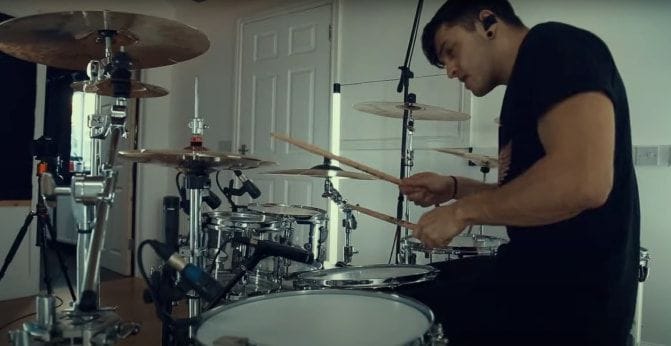

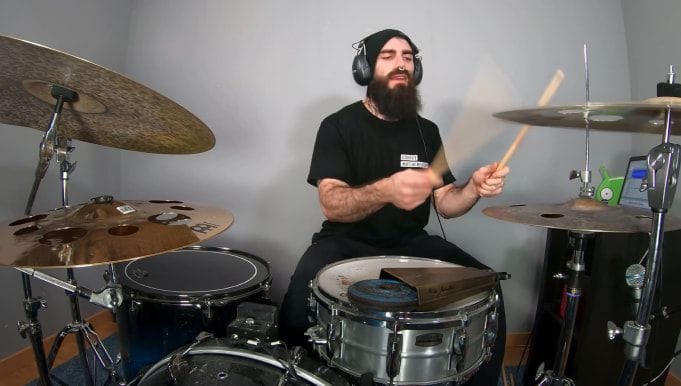

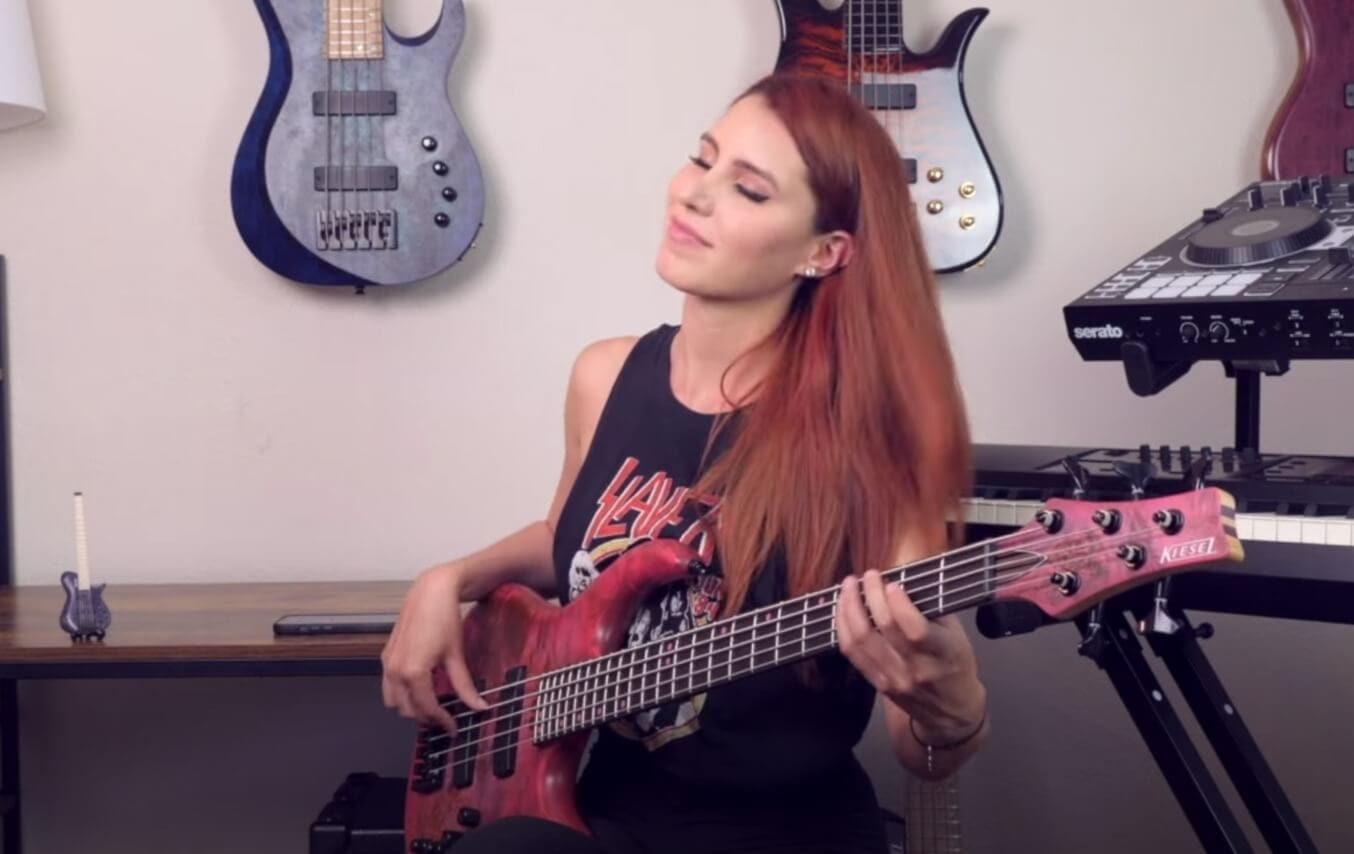
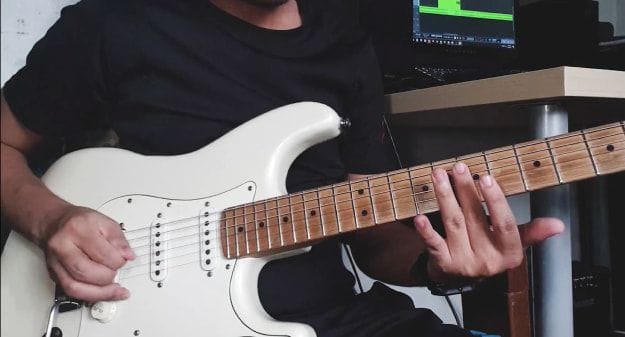

Moises is a lot more than a guitar practice app, but there are certainly plenty of features available to help if you're looking to practice guitar. You can mute or solo a guitar part in any song to listen to it carefully or to help you play along with the rest of the track. You can also view the chords along with the lyrics, and even slow down the tempo and loop key sections to help you master a difficult portion.
Absolutely. Moises is a great way to create custom guitar jam tracks from songs you already love. Instead of relying on generic loops or pre-made jam tracks, you can upload any song, mute the guitar parts, and improvise over the real instrumentation. It's perfect for working on soloing, scale practice, or just jamming along for fun.
It’s a little different depending on what device you’re using. On your phone, simply upload a track for separation. Be sure you select guitar as one of the stems you would like to include in the mix. Once the stems separate, you’ll see a player with the volume levels for each stem type. Adjust the volume of the guitar track all the way down to zero to remove the guitar from the mix. On Desktop or Web, this is similar, but you can simply click the “M” button by the guitar stem to mute it.
Yes, if you have a Moises Pro subscription, Moises can separate lead and rhythm guitar, as well as acoustic guitar from electric guitar. This can be perfect if you are working on learning a lead part, for example, and you want to mute that part without removing the other guitar parts.
Yes, Moises has a feature called Capo Mode that allows you to enter where your capo is positioned. It then automatically adjusts the chord shapes to match that position, so you can play along with the song without worrying about making any manual adjustments.
Yes, Moises accepts standard audio file formats, including MP3, so that you can turn any song in your library into a backing track. Just upload the file, let Moises separate the stems, and adjust each instrument's volume to build the perfect track for practice or performance.
If you’re looking to create a backing track to help you practice guitar, Moises lets you upload any song on your device, separate the stems, and then mute the guitar part—so you can play along with the rest of the recording like you’re part of the band. If you are working on something original and want to add a backing guitar track, Moises also has a feature designed to generate backing tracks that match the tempo, style, and key of your existing recording.