
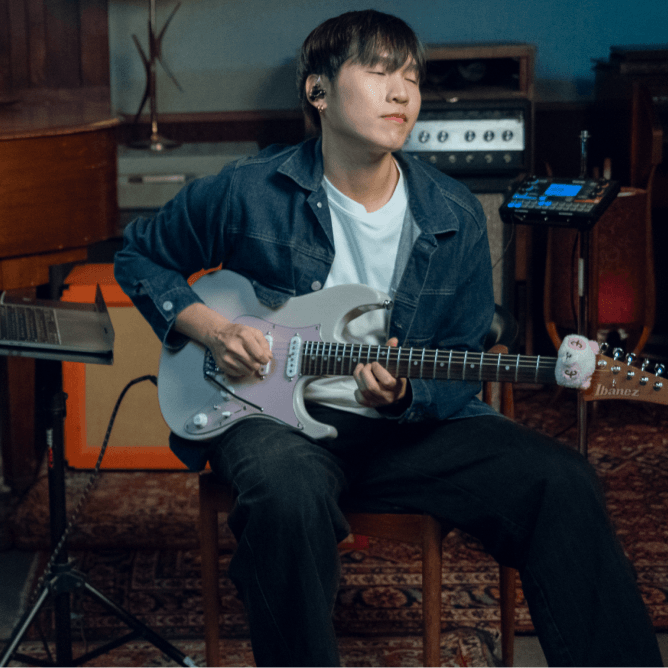
SIMPLE
Easy to start. Hard to outgrow.
No manual, no menu-hunting, no new shortcuts to memorize. Record, arrange, and mix from your first session, with the deeper controls waiting when you want them.
Introducing Moises Studio: The simplest way to make music togetherIntroducing Moises Studio: The simplest way to make music together
No manual, no menu-hunting, no new shortcuts to memorize. Record, arrange, and mix from your first session, with the deeper controls waiting when you want them.
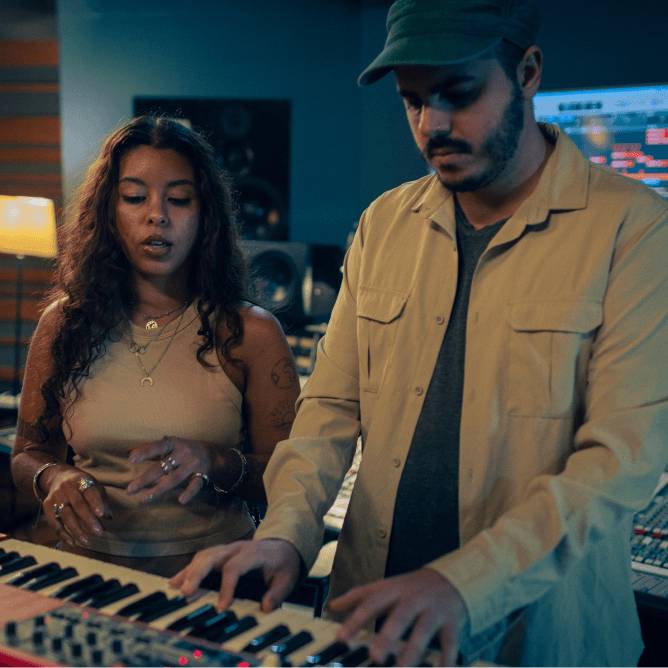
Your bandmates work in the same session, live, with comments and roles so everyone knows what's theirs. Invite them by link, and nobody needs a paid plan to join.
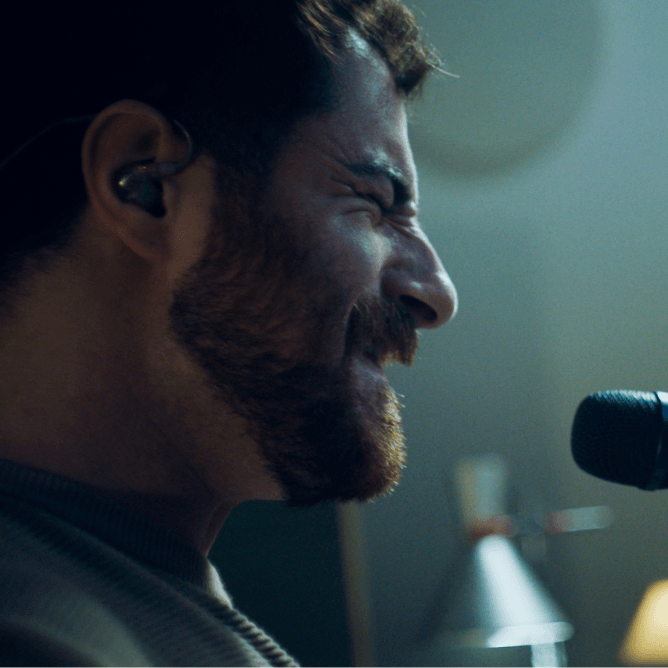
Editing, arranging, automation, stem separation, voice conversion, amp tones, mixing, mastering, and context-aware stem generation. It all lives in the same window.
Send a share link instead of a file, and your bandmates are in. Record, edit, and message each other on the same timeline, watching every change as it happens. Lose your connection and keep working. Everything syncs back up when you're online again.
Drop in any track and Studio finds the main instruments on its own, splitting them into clean, editable stems. Reach for any of 27 stem types when you want something specific, down to a single snare or a backing vocal. World-class separation with Hi-Fi models, so every part holds up when you solo it.
Studio listens to what's already in your project, the key, the tempo, the feel, and generates parts that fit. Point it at over 55 genre presets across 5 instrument types, write a custom prompt, or let it match your track on its own. Get back audio or MIDI, and regenerate any section until it sits right.
Recast any vocal take in a different voice, turning a rough take into a polished vocal. The tone, the style, the energy all change, while your pitch, timing, and phrasing stay exactly as you sang them. Use a voice from the library, where every singer is a paid session professional, or train a private custom model on your own voice.
Easily transcribe audio into MIDI on a new track. Play it back through built-in instruments with 200+ presets, or load your own VST3 plug-ins in the Studio desktop app. Transform your tones with the Amp Modeler, connecting to Tone3000's library of 700,000+ modeled amps and pedals, or create your own tone from a reference track or a text prompt.
Mix and master without leaving the session. Auto-mix across 20 genre styles to get close fast, then take control if you want: add any of 18 built-in effects to a channel strip and shape the mix by hand. When it's ready, master it in one click.
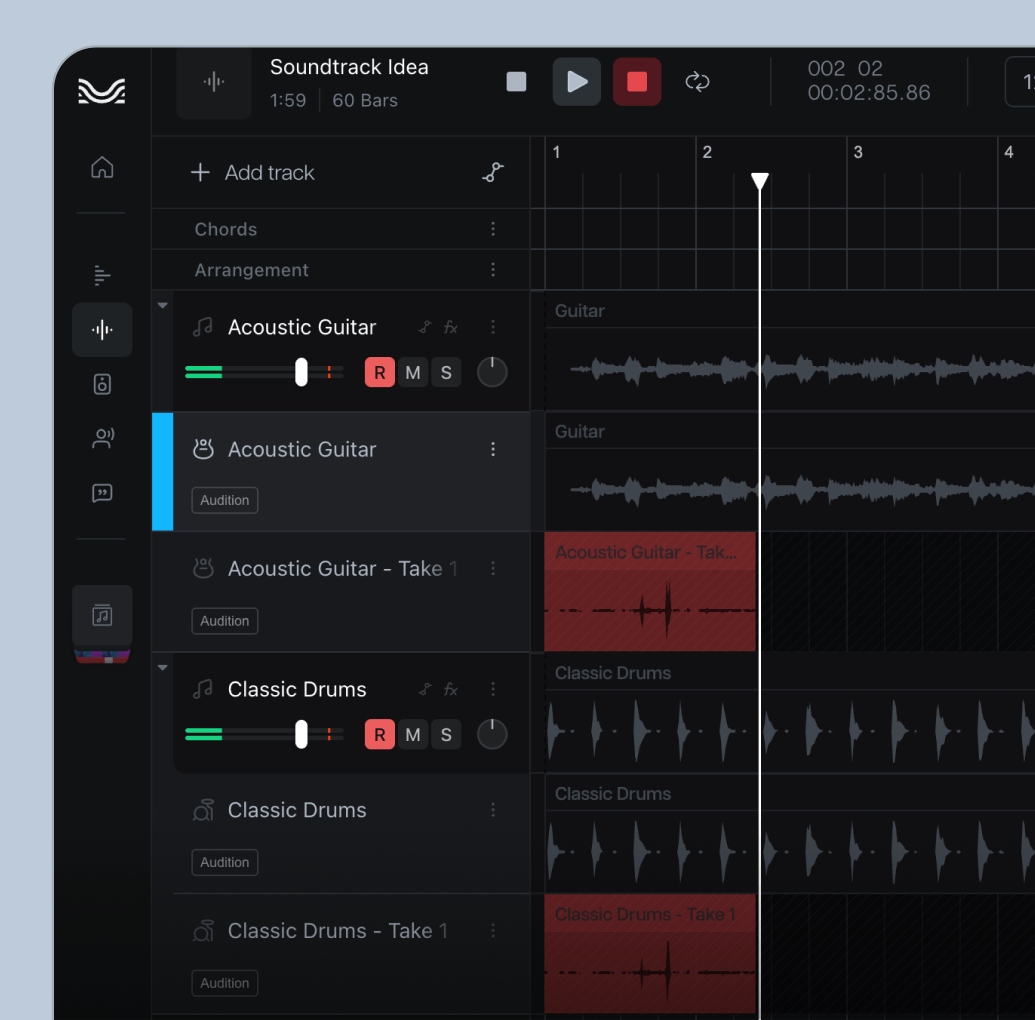
Arm as many tracks as you need and record the whole band at once, with take lanes and comping to build the keeper from every pass.
Whatever files you’re starting with, and whatever the next step needs: a stereo mix, individual tracks, in the formats you already work in.
Map out chords, lyrics, and your arrangement with markers. Move whole sections around as the song takes shape
Split, loop, trim, fade, re-pitch, and automate every track, with versioning history so nothing is ever really gone.
Describe the sample you want and Studio builds it to your session's key and tempo, as a one-shot or a loop, with MIDI alongside if you want it.
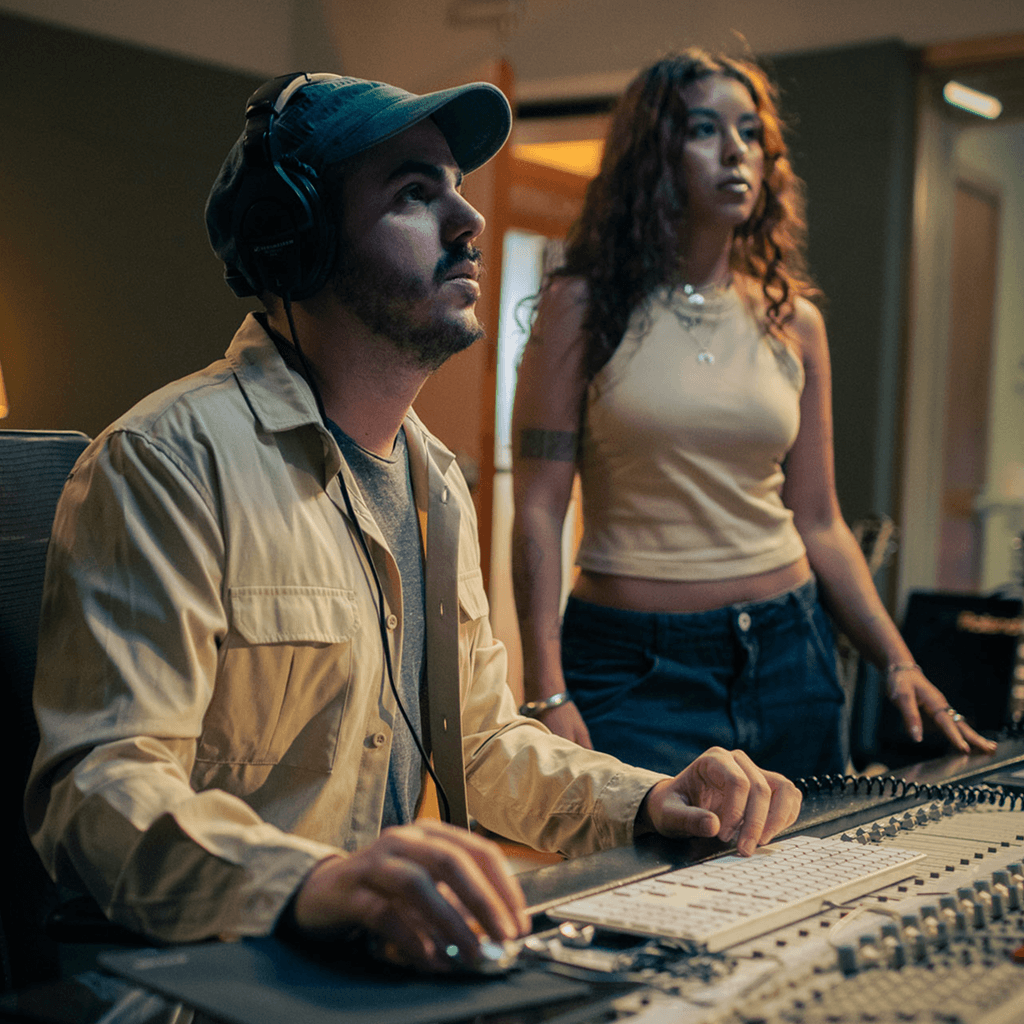
Create unique parts, arrange the idea, and bring collaborators into the session as it takes shape. Everything moves at sketch speed.
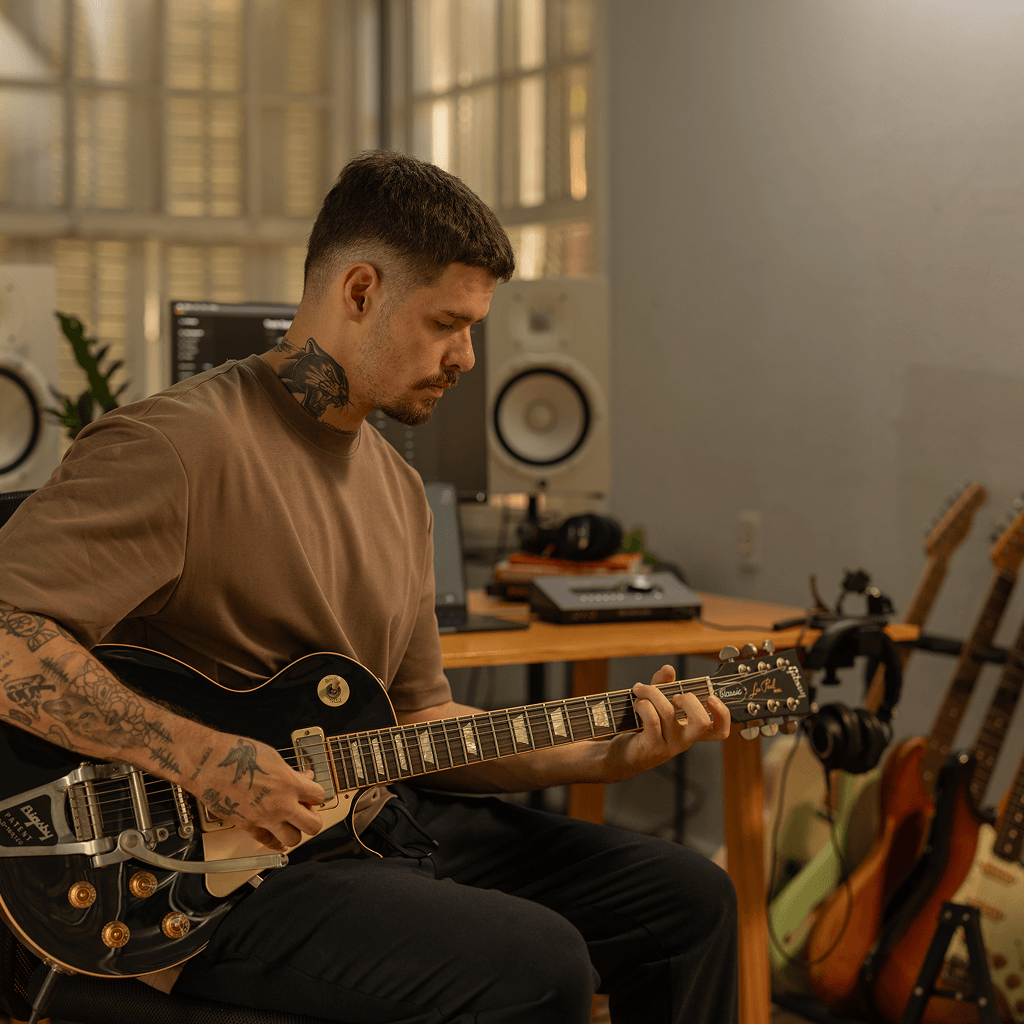
Record, edit, arrange, share. Every step from first take to finished song lives in one session.
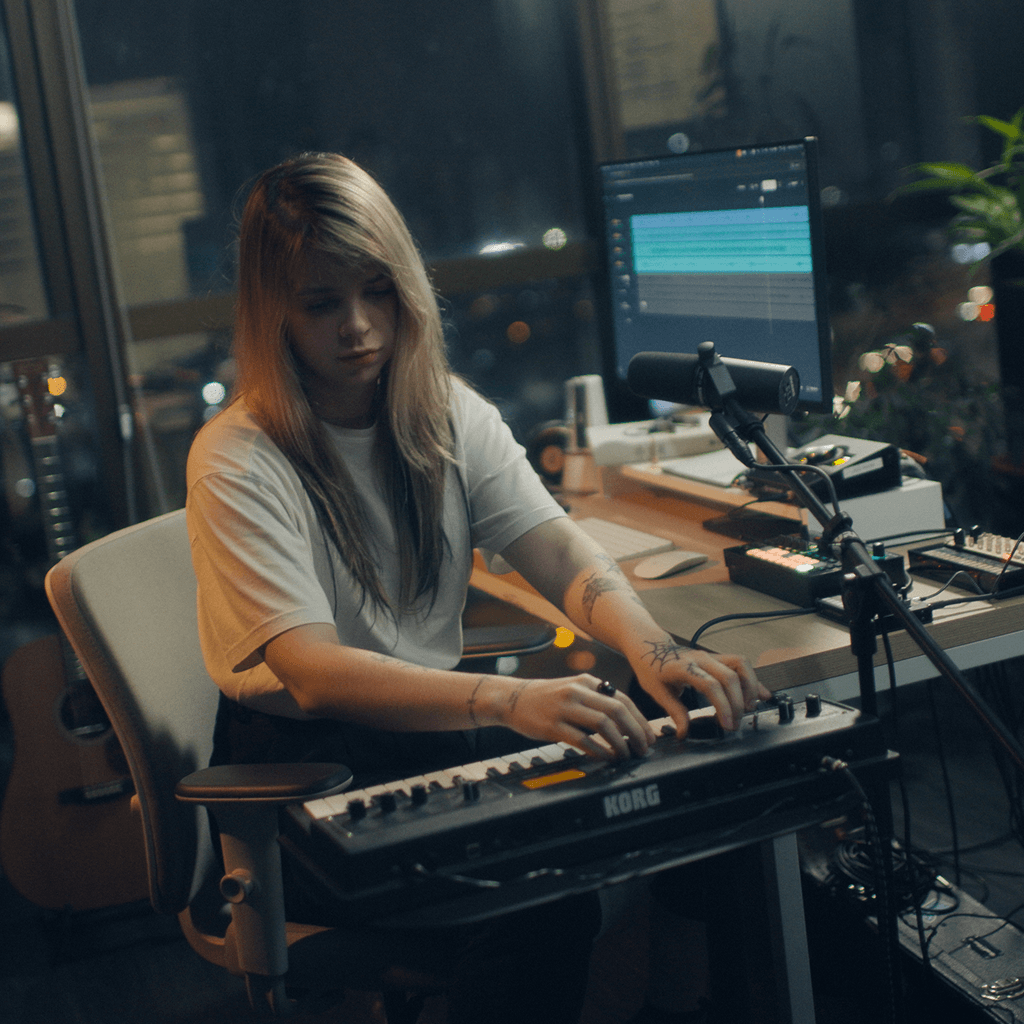
Generate music beds, transform tones, and shape parts for video, podcasts, and content. Clients and collaborators join with a link, no setup on their end.
Studio is one part of how you make music with Moises. Capture a riff on your phone. Build it out with your band in Studio. Finish it in the DAW you already love. Moises moves with you, from first idea to final mix.
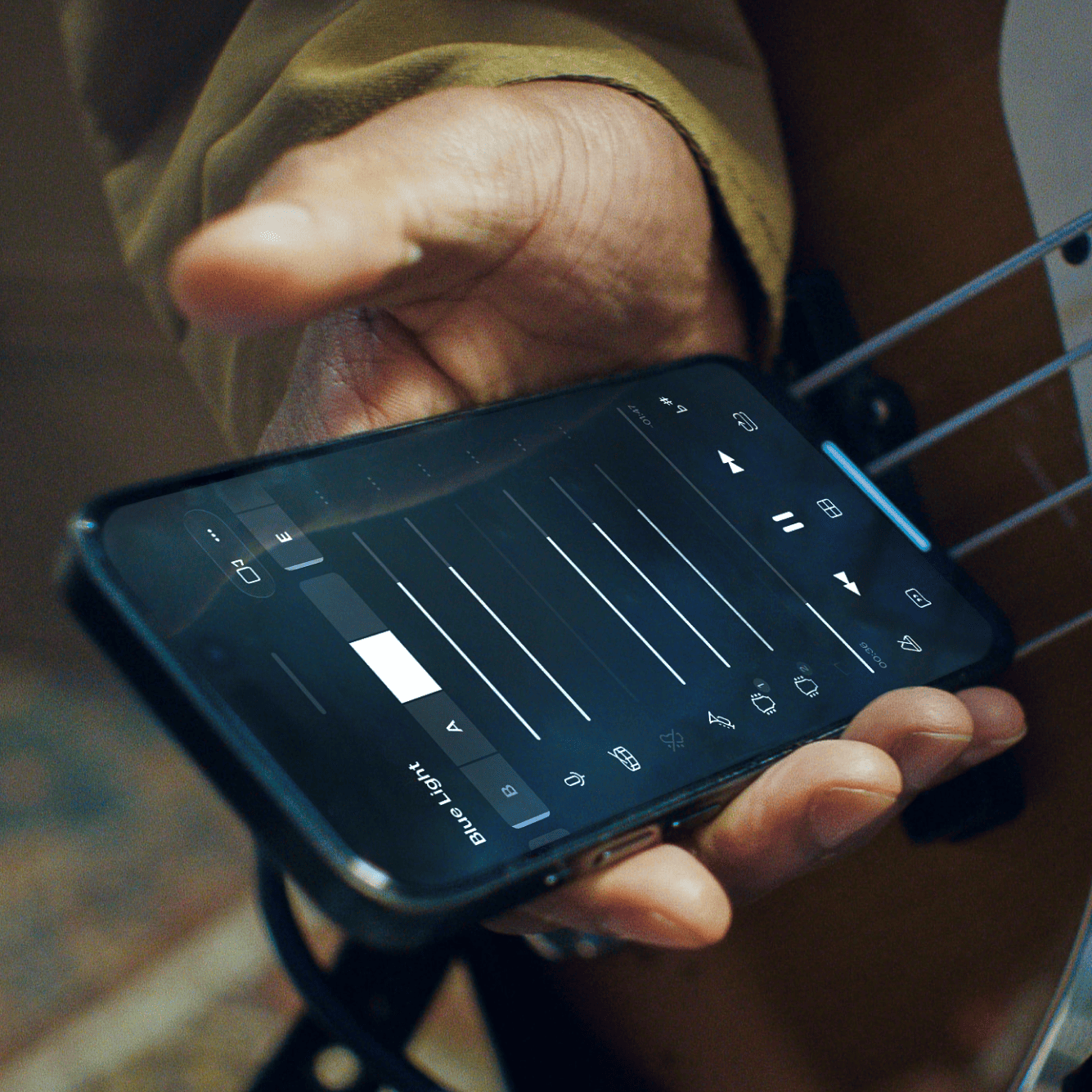
The Moises app you already know. Isolate the part you're learning, slow it down, or record an idea the moment it shows up. When it’s ready, export and bring it into Studio.
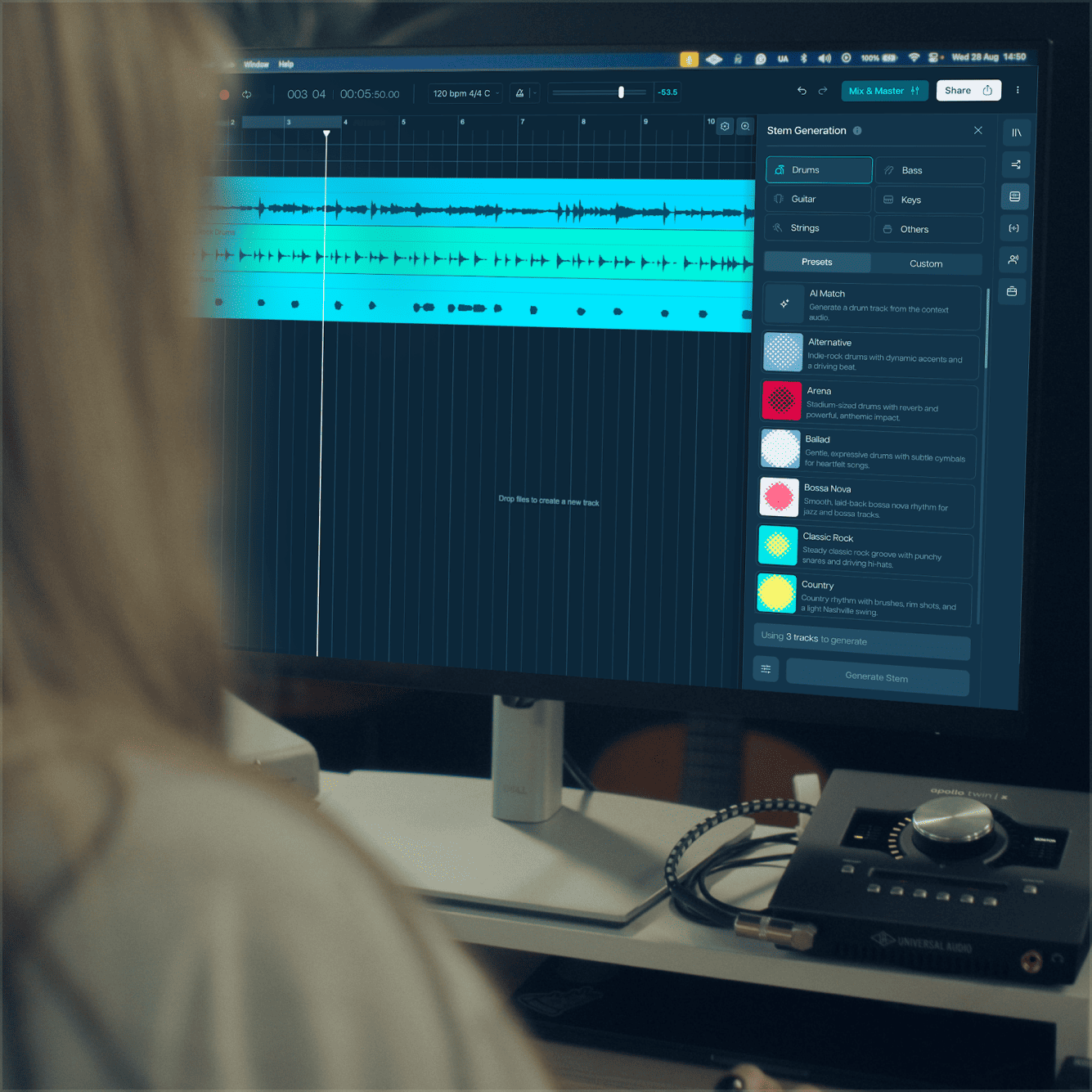
Open a session in your browser and take the idea further. Generate what the idea needs, shape vocals and tones, and bring the band in. This is where the sketch becomes a song.
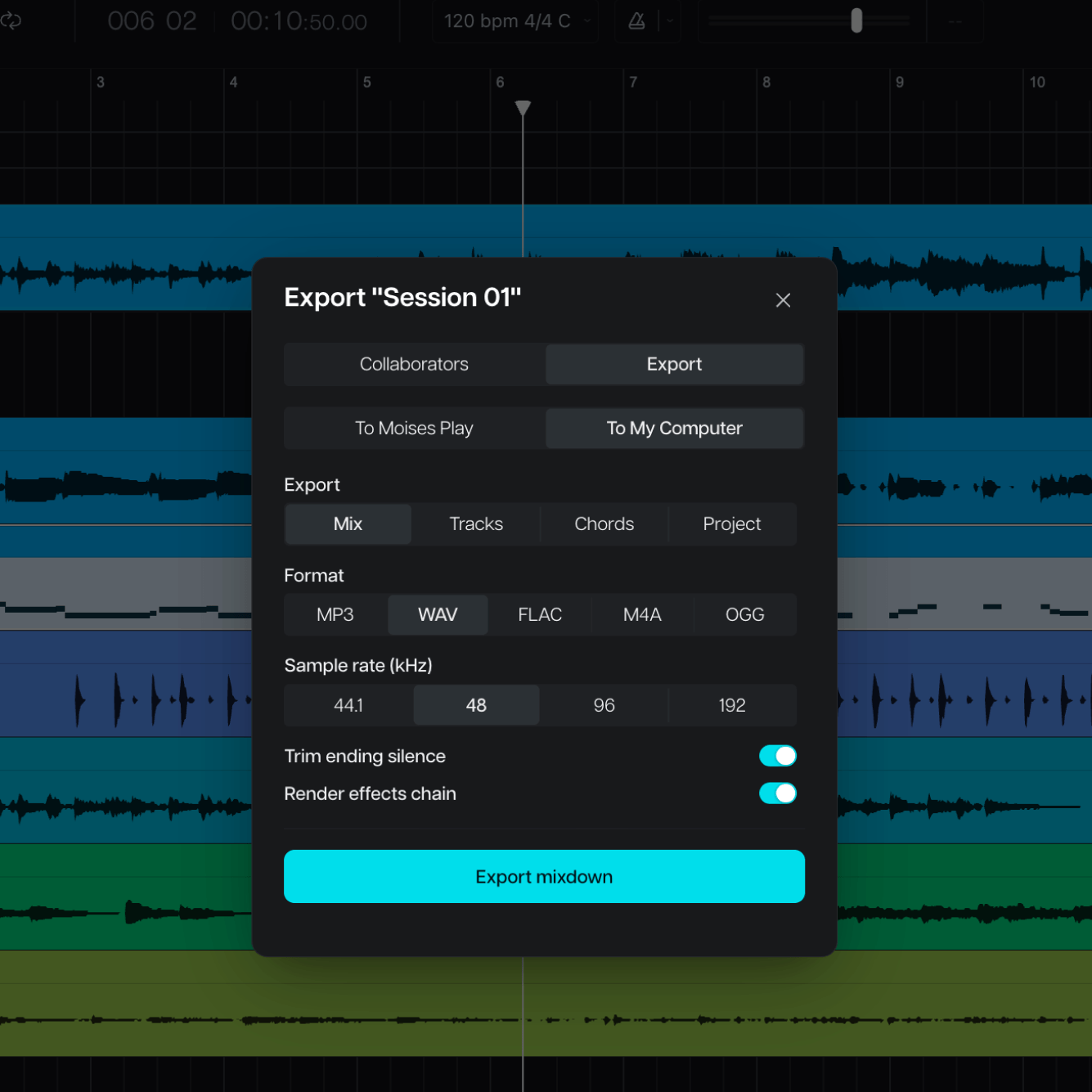
When the track is ready for deep mixing, export clean stems that drop straight into Logic, Pro Tools, Ableton, or wherever you mix. Studio hands off exactly where your DAW picks up, and nothing gets rebuilt from scratch.
+79,200,000
Start a session. Invite the people you make music with.
Yes. Share the session link and your bandmates can edit alongside you, with live cursors, comments, and version history. They don't need a paid plan to join your session.
Every Studio session has a shareable link. Send it, and whoever opens it is in. Setlists bundle the same way: one link for the whole band.
No. Studio is browser-native. No install, no version mismatch, no plugin hell. Also available as a desktop app if you prefer.
Real-time collaboration, multi-track recording, arrangement and editing, looping, automation, amp modeler, vocal transformation with custom voice model training, and more powerful stem generation.
Drop in any vocal take and recast it in a different voice, keeping your pitch, timing, and phrasing. Only the timbre changes. You can also train a custom model on your own voice in minutes and reuse it across any session. Custom models train only on voices you have the rights to use.
Moises Studio has export options for DAWproject and Ableton Live Set file types, so you can easily open up files in compatible DAWs.
No. The audio you upload is used only for your session, and we never train our shared models on your data. Custom voice models are different: you choose to train them, they're built only from voices you have the rights to use, and they stay private to you.
Moises only trains our models on licensed materials. We never train on any music without the owner’s full approval. It’s important to us that musicians and other rights holders are paid for their work.
It depends. Moises Studio is designed to keep you at the center of the creative process by generating stems and samples built around the music you provide. Each generated part remains editable, allowing you to reshape and arrange it while retaining creative control.
Because the law is evolving, Moises cannot determine whether a particular project qualified for copyright protection. How you use Studio’s tools, the laws where protection is sought, guidance from copyright authorities, and relevant court decisions will determine whether a particular project qualifies for copyright protection. Consult an attorney for advice about a specific project.
As between you and Moises, any copyright you hold in your project remains yours, subject to the Moises Terms of Service and any third-party rights.