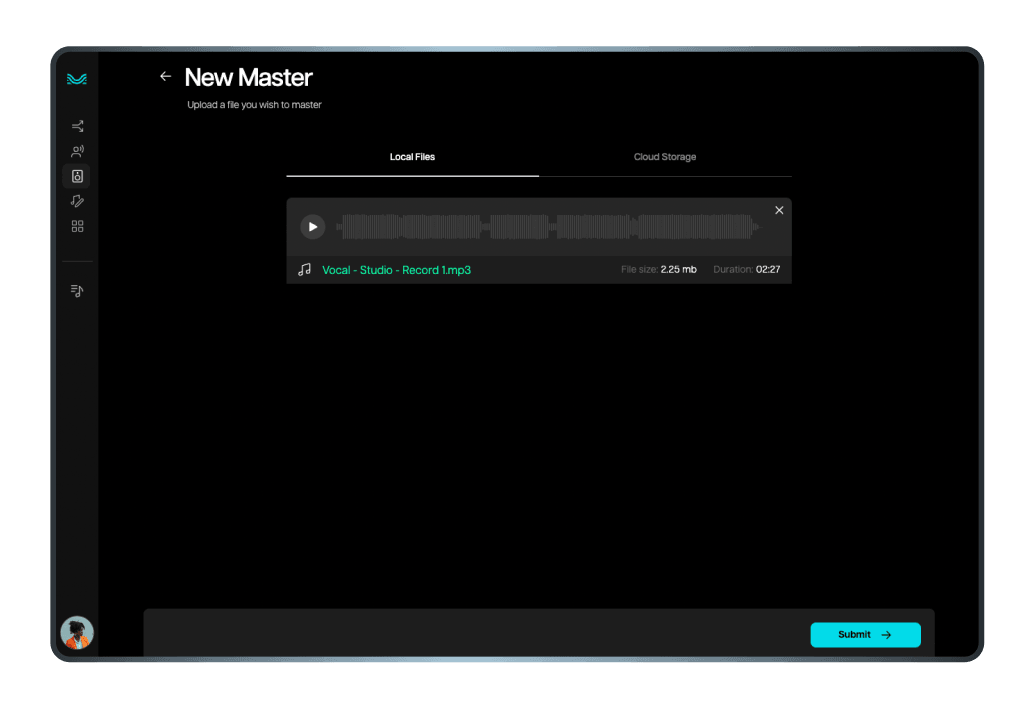
1. Upload your track
Easily upload the track you want to master directly into our platform.
Introducing Moises Studio: The simplest way to make music togetherIntroducing Moises Studio: The simplest way to make music together
Lend your tracks professional-level quality with Moises’ AI Mastering. Experience effortless, top-tier mastering accessible to everyone, anywhere.
Simplify mastering with our user-friendly approach. Follow these steps to produce a sound that stands out.
Easily upload the track you want to master directly into our platform.
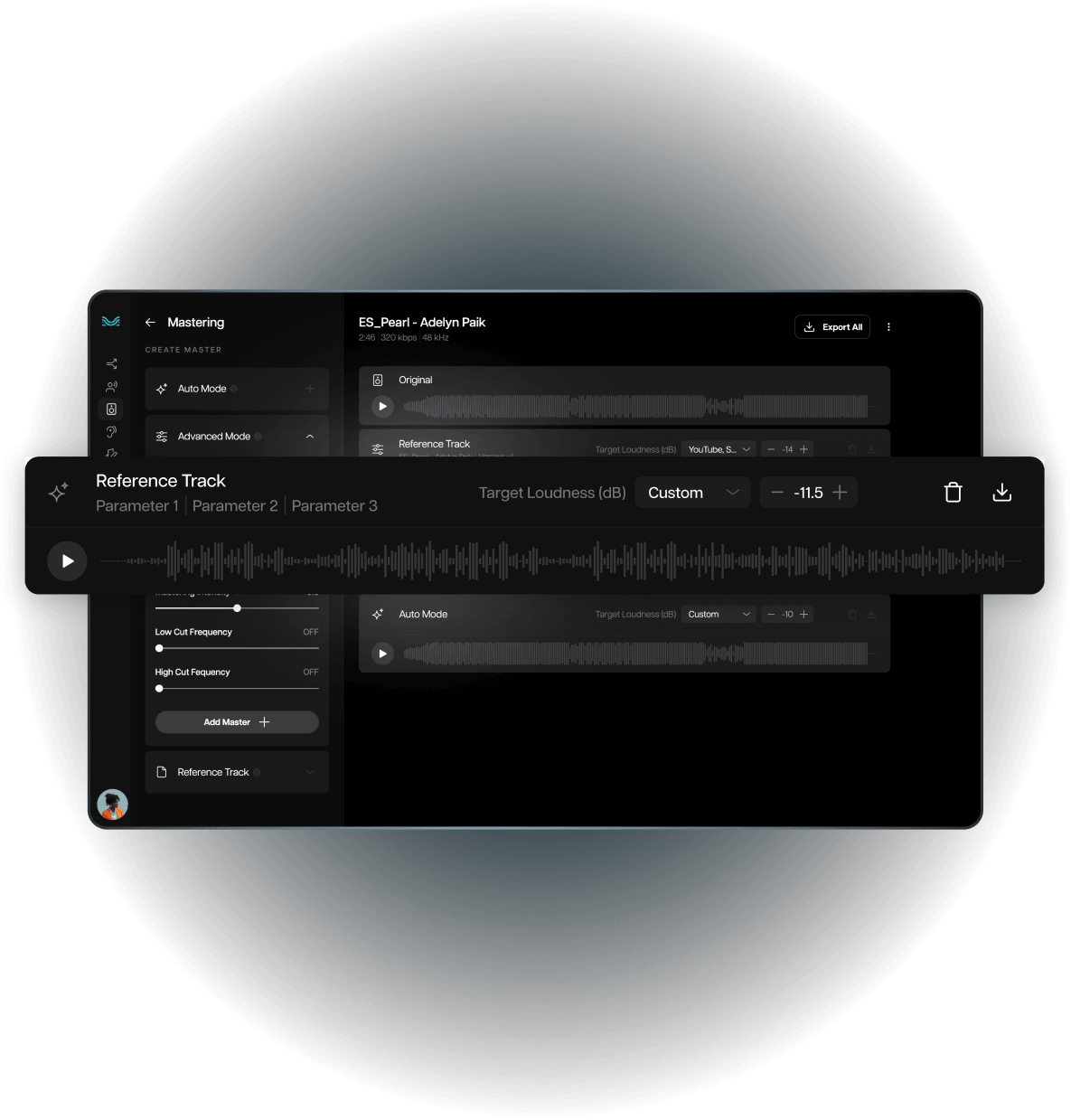
Select between Auto, Advanced, or Reference mode based on your mastering needs.

On a Pro account, download your professionally mastered track in your chosen format, ready for your preferred distribution and digital streaming platforms.

Ensure that your music sounds great across all playback devices and platforms.
Save time and money with fast, affordable mastering solutions.
Simplified controls make professional mastering accessible to all skill levels.
Choose between Auto, Advanced, and Reference modes to suit your specific mastering needs and expertise.

Discover why Moises is the go-to AI mastering tool for musicians worldwide. Our platform makes professional mastering accessible to everyone.
Instantly achieve professional standards. Auto Mode handles all technical details, ensuring balanced and polished tracks with minimal effort.
Match your cover tracks to the original. The Reference Mode lets you achieve a professional sound by using another track as a reference.
Take control of your sound. Advanced Mode offers detailed adjustments for loudness, frequencies and more, perfect for experienced users.
Tailor your exports to your needs. Choose from various formats and bit depths, ensuring your tracks meet distribution requirements.


Award-winning music producer and DJ from Nigeria


Producer and content creator with an online collective following of over 300k


Producer and content creator with over 4 million views on YouTube
AI mastering uses machine learning to quickly polish and optimize audio files to prepare them for release. It balances elements such as loudness, EQ, and dynamics. Machine learning algorithms are trained on vast amounts of music data, so they can analyze your track and apply the right adjustments. Because a lot of the technical work is automated, mastering becomes accessible to anyone, not just those with studio experience.
Mastering provides the final adjustments that make your track sound consistently good across different environments. It also makes subtle corrections to help your song sound louder and more polished. Tools like Moises make it possible to master from home without expensive gear or a professional studio.
Mixing is when you balance the individual tracks in your session so that vocals, instruments, and effects all sound good together. Mastering comes after the mix is finished. It's the final step before distribution, where the song as a whole is polished to sound consistent and professional across all playback systems. Learn more about the difference.
No. AI mastering is a powerful way to save time and bring some of the benefits of mastering to a larger audience. This doesn’t replace the skills and experience of a professional mastering engineer.
Moises offers a free tier so you can master your tracks and try it out. To export them for distribution, you'll need a Pro subscription. Note that the Mastering feature is only available via the Moises Web App or Desktop App. Log in to see our full pricing and features table.
Moises gives you three ways to master your track: Auto, Advanced, and Reference Track mode.
Here's what each one does:
Auto mode (Pro Plan Only): Moises detects your track's peaks and adjusts parameters automatically with minimal tweaking on your end. Just pick your target loudness profile and let Moises handle the rest. If you're just getting started with music production, this is the mode our team recommends.
Advanced (Pro Plan Only): For users who already have some mixing knowledge and a clear idea of what they want, Advanced mode gives you more control.
Reference Track: Upload a song (WAV format is ideal) and use it as a guide for how Moises shapes your final master.
Using a mastering reference track means using a professionally mastered track as a benchmark to master your own music. The reference track acts as a guide, and Moises' AI will match your master to the reference's characteristics, helping you land on a final master that sounds polished and consistent. Learn more about mastering by reference with Moises.
Yes. Moises has loudness presets built for platforms like Spotify and YouTube. If you need a different level, you can adjust it to fit your needs. Pro subscribers can export in WAV, FLAC, or MP3 with adjustable bit depth and sample rate, so your files can meet whatever your distributor needs.